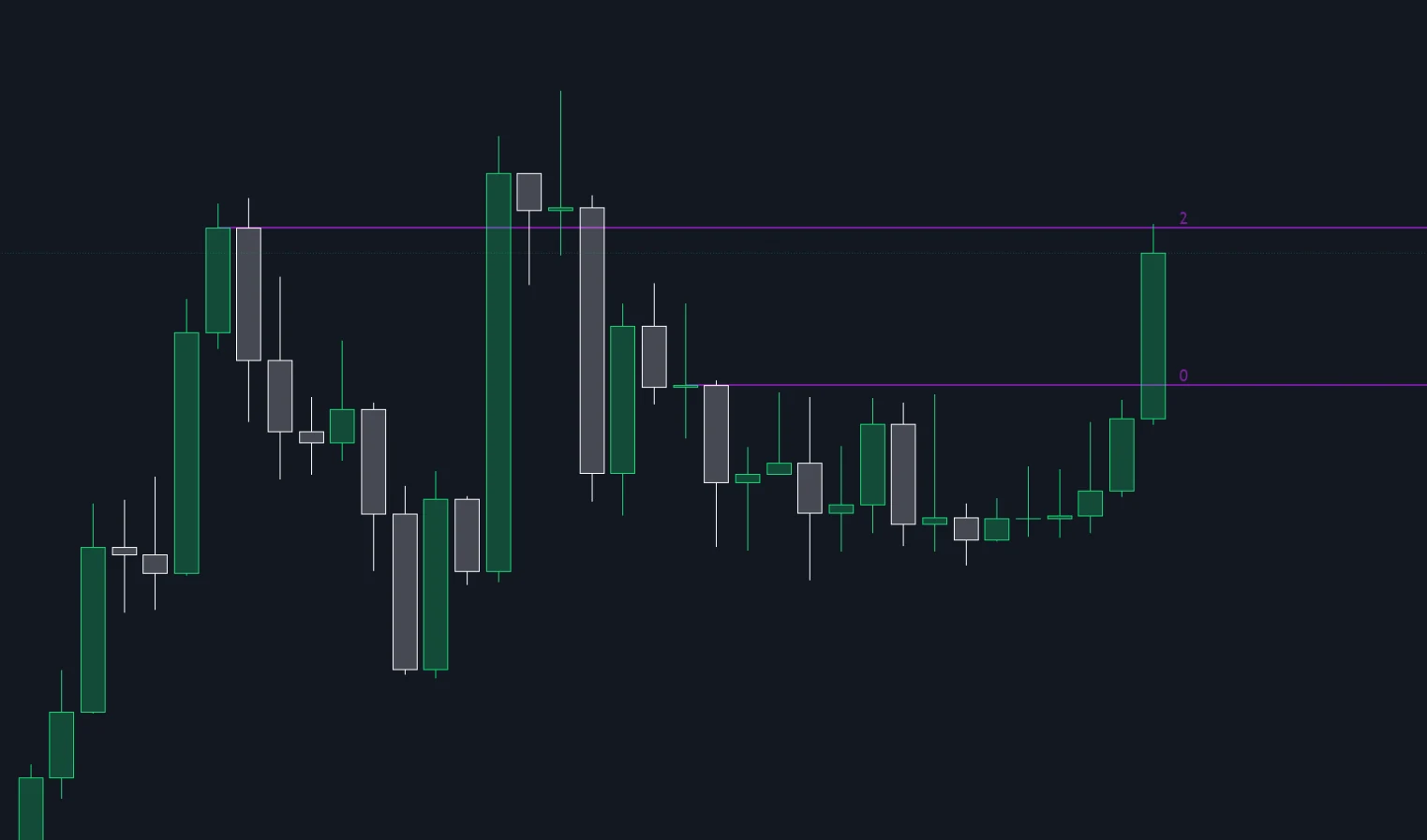
Selected range
Your start and end time define the source period for the analysis.

Support & Resistance / TRADINGVIEW
Your analysis window. Consistent levels.
Calculate Malaysian support and resistance from a time period you select. The fixed analysis range keeps the reference window consistent when you switch chart timeframes.

FROM PRICE TO INFORMATION
Your start and end time define the source period for the analysis.
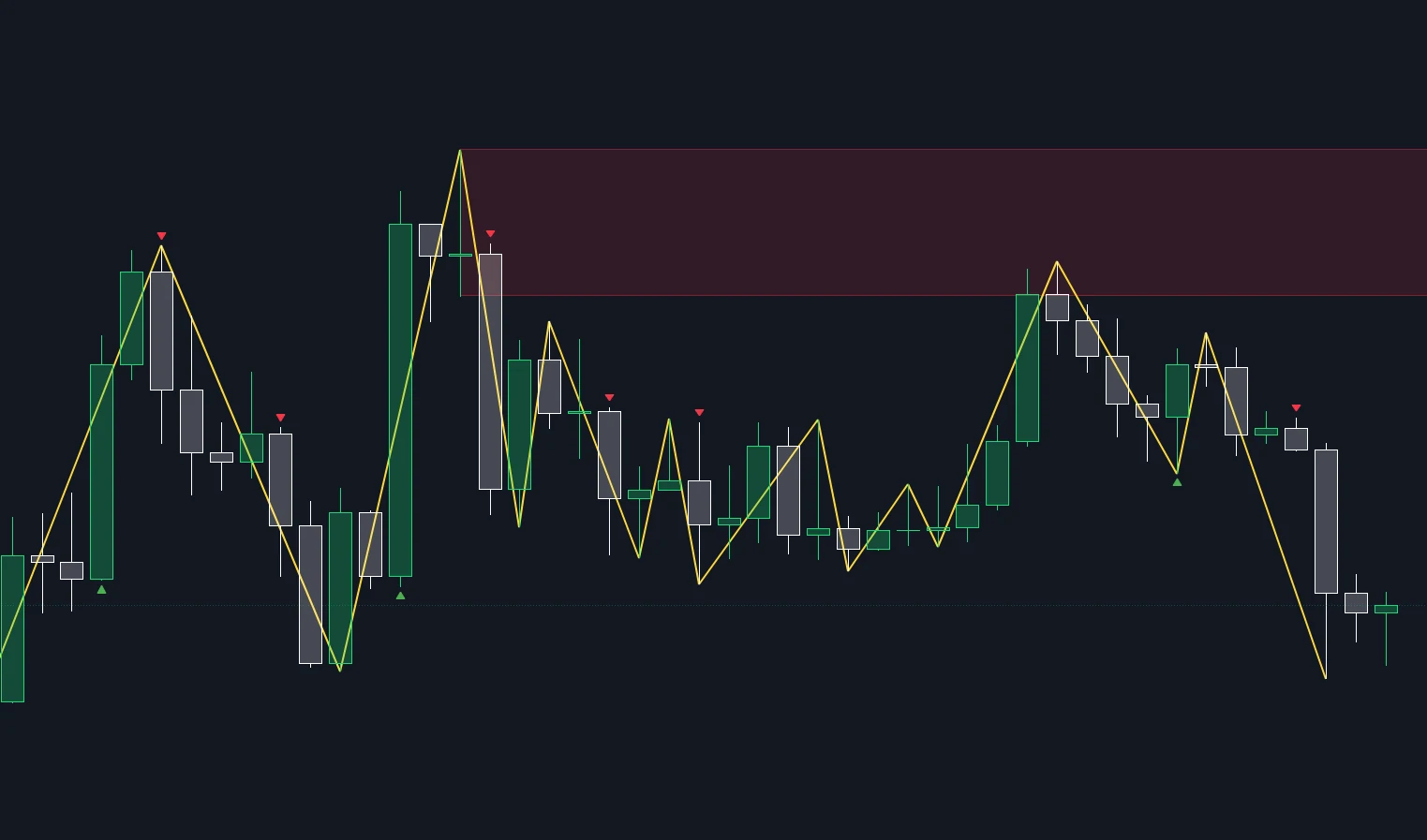
Support and resistance are derived from line-chart peaks and valleys within that period.
Compare the same reference period while moving between chart timeframes.
ON THE CHART
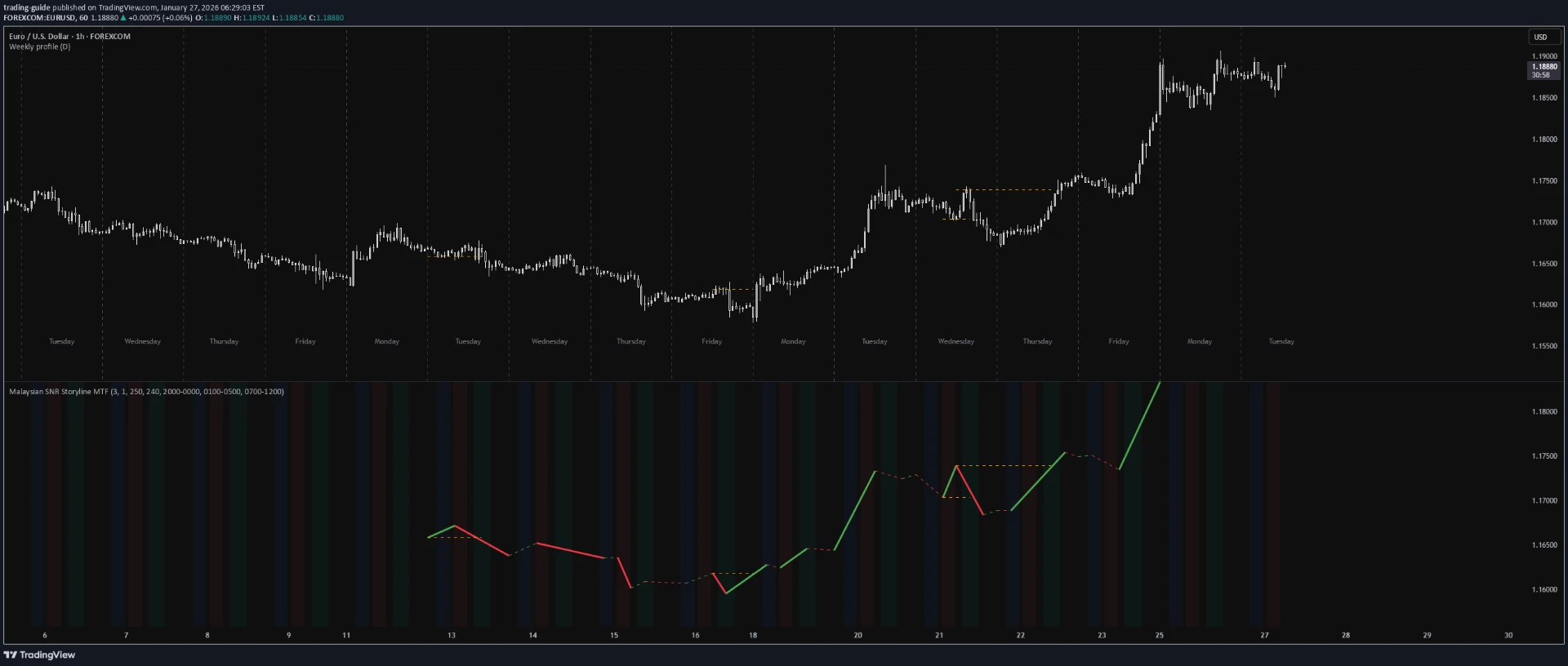
Original product examples. Open a chart to inspect it at full size.
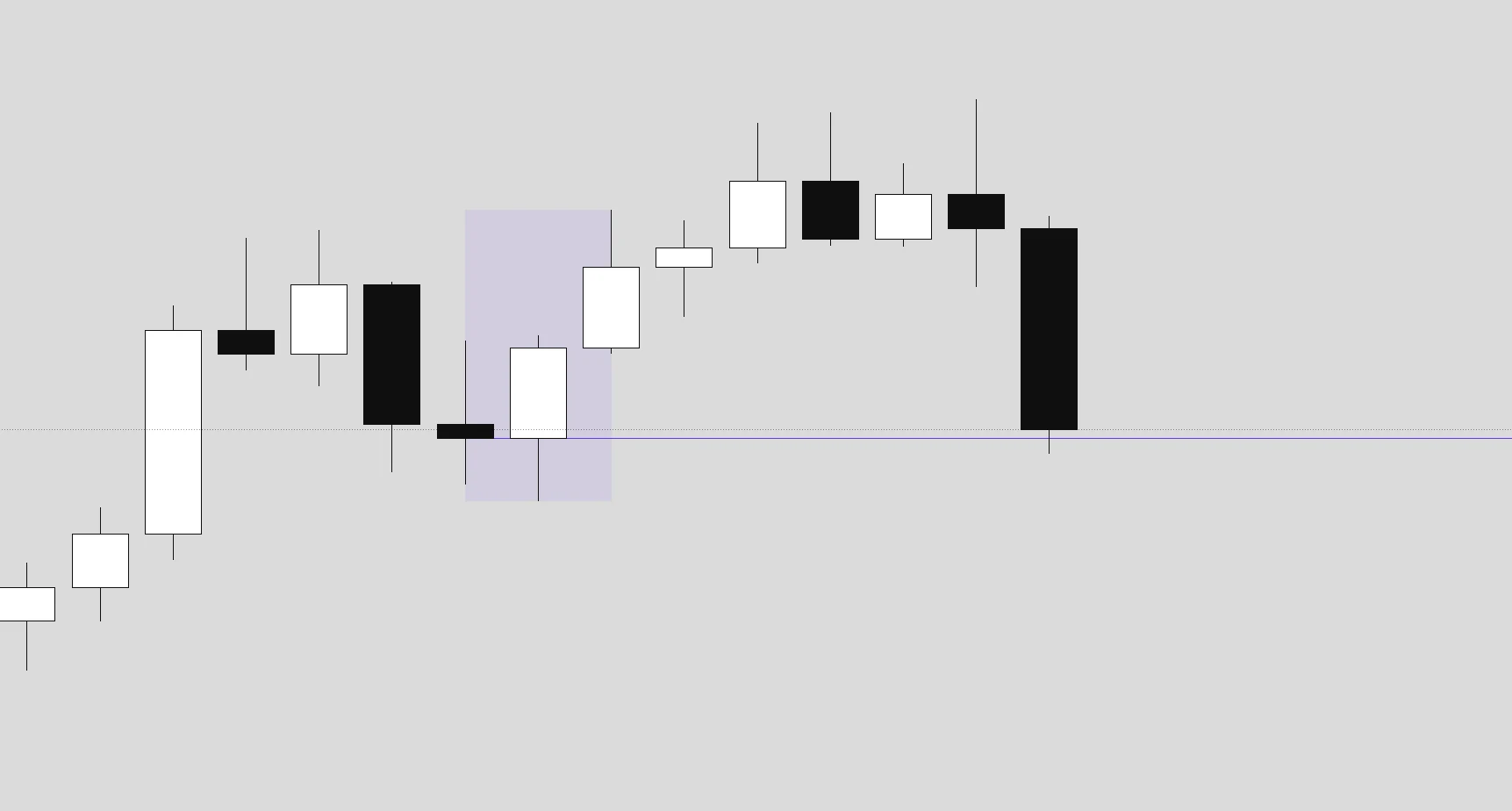
Historical examples illustrate the display, not a trading result. Indicator settings and chart data affect what you see.
CORE FEATURES
HOW TRADERS CAN USE IT
Select a period of interest, such as a consolidation, then review the resulting levels on your working timeframe. Reassess the range when your analysis context changes.
Time-based reference range rather than a fixed bar lookback; suitable for analysis across chart timeframes.
View the setup guideFROM PURCHASE TO CHART
Review the indicator and confirm the purchase details on its access page.
Enter your TradingView username during checkout. We use it to activate your indicator after payment.
We activate your invite-only access manually, usually within 24 hours.
Find the tool under Invite-only scripts and add it to your chart.
LIFETIME INDICATOR ACCESS
One-time purchase. Lifetime invite-only access and future updates.
You need a TradingView account. These are invite-only indicators used directly in TradingView. Your TradingView plan determines your platform limits and available chart features.
For Malaysian SNR Levels, enter your TradingView username during checkout. For purchases arranged by email, include your username with your order. Access is granted manually to that account, usually within 24 hours after payment is confirmed and we have your username.
The indicator catalogue offers a one-time payment with lifetime access and future updates.
After activation, open Indicators in TradingView and look under Invite-only scripts. Make sure you are signed into the account whose username you supplied. Contact us if access is missing.
Start with your analysis problem: Malaysian SNR for structural levels, Gann Swing for swing structure, Daily Direction Profile for session context, or Daily Bias Volume Profile for daily bias and volume context. The 4 in 1 Bundle includes all four indicators.
No. They visualize market information and provide analysis context. They do not guarantee profits, predict outcomes or replace your own trading decisions and risk management.
MORE INDICATORS
Support & Resistance
Find fresh levels. Let price come to you.
Market Structure
Separate the main trend from the pullback.